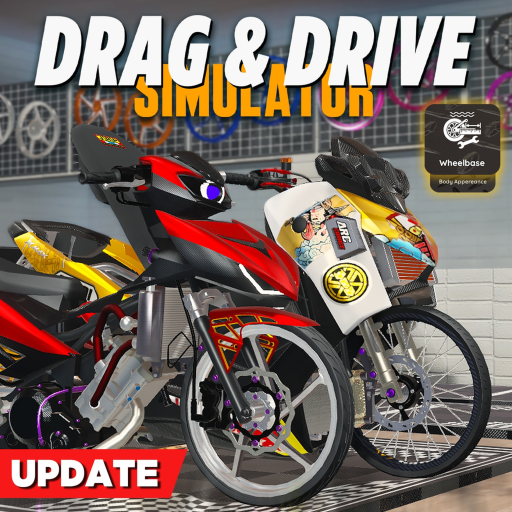
Use the current guide routes
Vehicle categories, code reports, and public badges are the supported launch topics. Avoid treating generic progression language as game data.
This legacy route remains available, but the current game-specific guides are linked below.
Start with the player task, then use the steps and stuck-state checks below when the route is not working.
Vehicle categories, code reports, and public badges are the supported launch topics. Avoid treating generic progression language as game data.
Use the verified experience, inspect the current vehicle categories, and keep your first goal narrow.
Use the checklist in order when you want a direct path instead of general tips.
Start from the Roblox experience page, then inspect the visible garage or menu.
Try standard cars, motorcycles, limited vehicles, or modifications one at a time.
Use these checks when the guide route is not working in your current session.
Treat it as expired or unresolved and continue with the update snapshot.
Most avoidable confusion comes from copying an unsupported rank, code reward, map route, or vehicle claim before checking the current game context.
A showcase clip does not establish a universal best vehicle.
Use the dedicated first-session guide for the current safe sequence.
Open the next page that matches what you are trying to do in-game.